
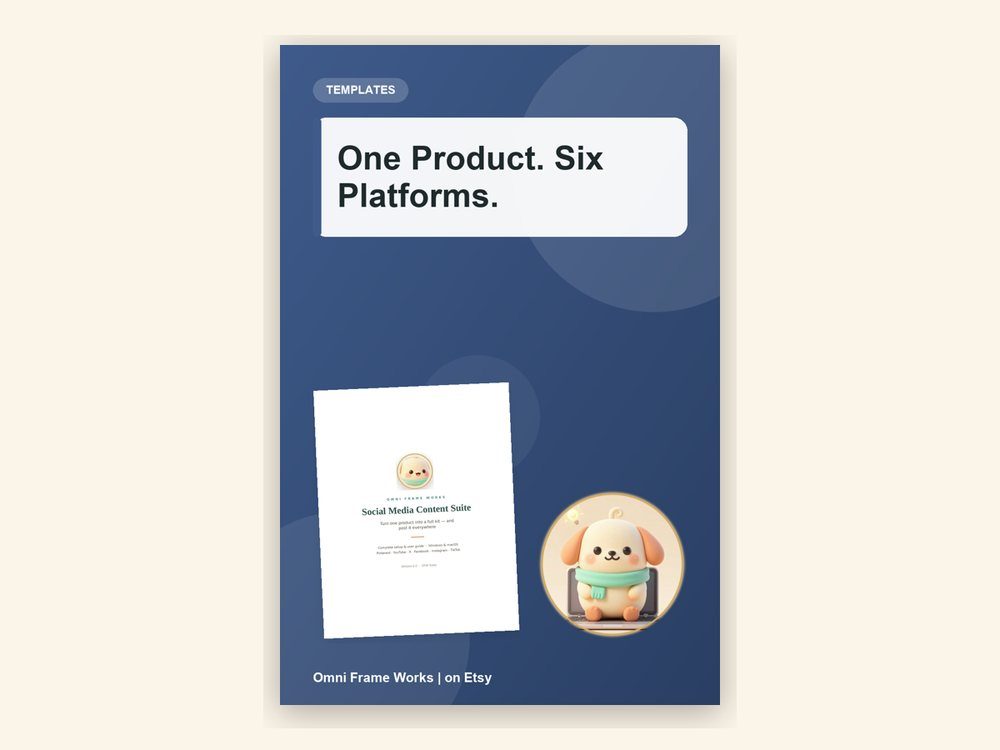
Social Media Content Suite
One product in. Posts on six platforms out.
USD 20.00
View details →Tools for content, posting and local directories. Bought once and run on your own computer, with no subscription behind them.
One product in. Posts on six platforms out.
USD 20.00
View details →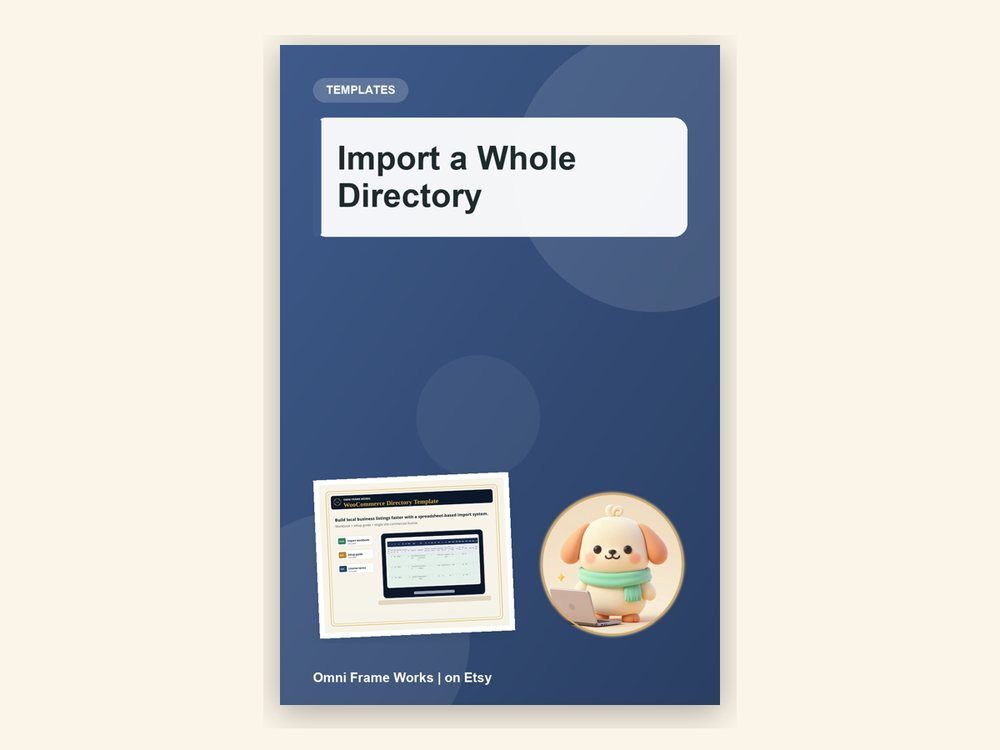
Launch a local business directory in a weekend.
USD 6.00
View details →
From a blank Intel laptop to your first AI image.
USD 9.99
View details →
Move ComfyUI off the processor and onto your Intel graphics.
USD 9.99
View details →
One flowing video, built out of short AI clips.
USD 9.99
View details →
Blank Intel laptop to finished AI video, in three steps.
USD 14.99
View details →Almost everything in this category rents itself to you. A scheduler bills monthly, a video maker bills monthly, a caption tool bills monthly, and between them the total quietly outgrows what a small shop earns. The Social Media Content Suite is bought once. No renewal, no seat count, no monthly fee, and it keeps working for as long as your computer does.
Give it one product — a title, a description and a cover image — and in about a minute it builds a ready-to-post kit for six platforms: Pinterest, YouTube, Instagram, Facebook, X and TikTok. The artwork comes out correctly sized for each one, captions are trimmed to each platform's character limit, and it produces a short video with an automatic spoken voiceover, so there is no microphone and nothing to record. Pinterest gets seven pins per product plus a bulk-upload CSV that Pinterest actually accepts, scheduled across the dates and times you choose.
The posting is optional and it is yours too. Sign in to your own accounts once and the app publishes the built folders for you, with no developer accounts and no API keys, skipping anything already posted. All of it runs on your own machine and nothing is uploaded to anyone else's server. The video is built with ffmpeg, which works on the processor rather than the graphics card, so an ordinary laptop is enough — you do not need a dedicated GPU to make video for your shop.
The WooCommerce Directory Template follows the same rule: paid for once, owned outright, and built to turn a list of businesses you already hold into a working local directory through a CSV import rather than a build from scratch.
Start with the free information. Product links are included only where they add something useful.
Directory sites stall on data entry, not design. Importing the listings is the part worth solving.
Read article →You do not need to be on camera to show up everywhere. Here is the faceless-content routine we use.
Read article →Most AI image tools assume a gaming graphics card. Here is what actually happens on an ordinary Intel laptop, and what to do about it.
Read article →Each clip starts from nothing, so the face changes. What continuation does about it.
Read article →