 Omni Frame Works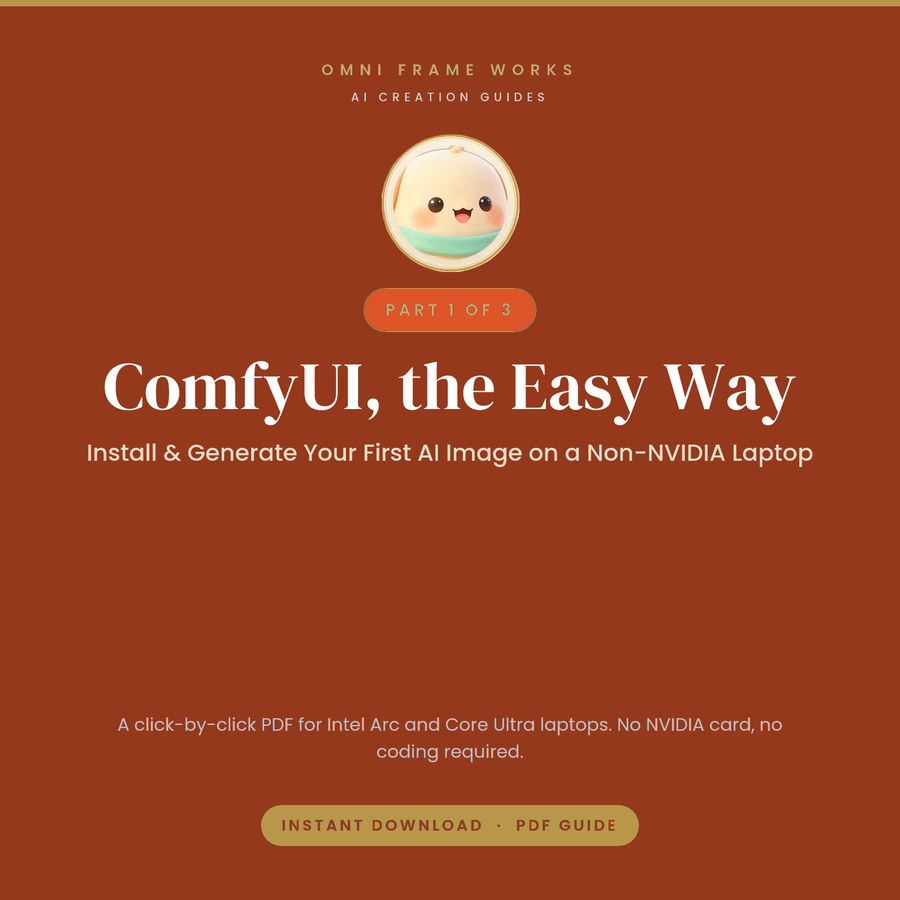
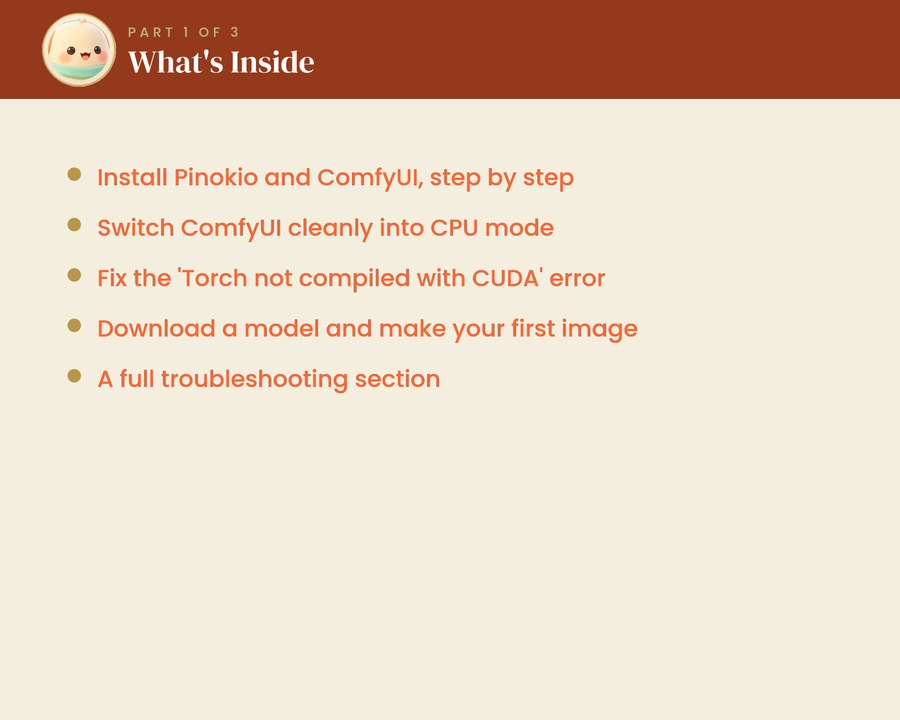
A 13 page illustrated PDF that takes an ordinary Windows 11 laptop from nothing installed to its first AI image, with no NVIDIA graphics card anywhere in the picture. It uses the free Pinokio launcher and ComfyUI in CPU mode, so all you need is about 15 GB of free space and roughly an hour.
Every command is written out to copy and paste, and each step is shown as it appears on screen. The guide includes the fix for the error that stops most non-NVIDIA laptops dead, Torch not compiled with CUDA enabled, along with a full troubleshooting section at the end for the smaller problems that come up on the way.
This is Part 1 of three. Part 2 switches on Intel GPU acceleration for a large speed increase, and Part 3 chains short clips into one continuous video. All three come together in the Complete Bundle at a saving of more than 25 percent.
Written and tested end to end on a real Intel Arc laptop. Menu names and timings vary between systems. Omni Frame Works is independent and is not affiliated with, endorsed by or connected to ComfyUI, Pinokio or Intel. Product names are used only to describe what the guide covers.