 Omni Frame Works
ComfyUI running, but painfully slow? This 12 page illustrated PDF moves it off the processor and onto the Intel graphics already built into your laptop, for a large speed increase. Every step was verified on a real Intel Arc machine rather than assumed from documentation.
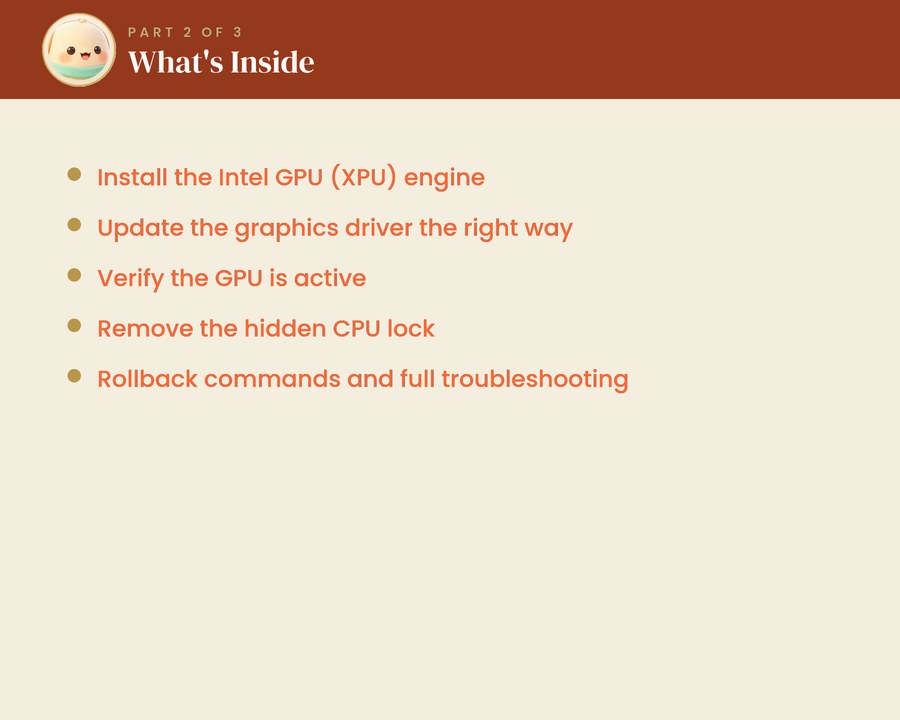
It installs the Intel GPU (XPU) engine, updates the graphics driver the right way round, and then confirms the GPU is genuinely doing the work instead of taking it on trust. The commands are copy and paste and no coding is needed.
Rollback commands are included, so you can always return to the setup that was working, and there is troubleshooting for the two problems that come up most often: the GPU staying hidden, and running out of memory partway through a generation.
This is Part 2 of three. Start with Part 1 if ComfyUI and Pinokio are not installed yet, and Part 3 covers joining clips into one video. You will need an Intel Arc or Core Ultra laptop, about 6 GB of free space and 30 to 45 minutes. All three are in the Complete Bundle at a saving of more than 25 percent.
Omni Frame Works is independent and is not affiliated with, endorsed by or connected to ComfyUI, Pinokio or Intel. Product names are used only to describe what the guide covers.