 Omni Frame Works
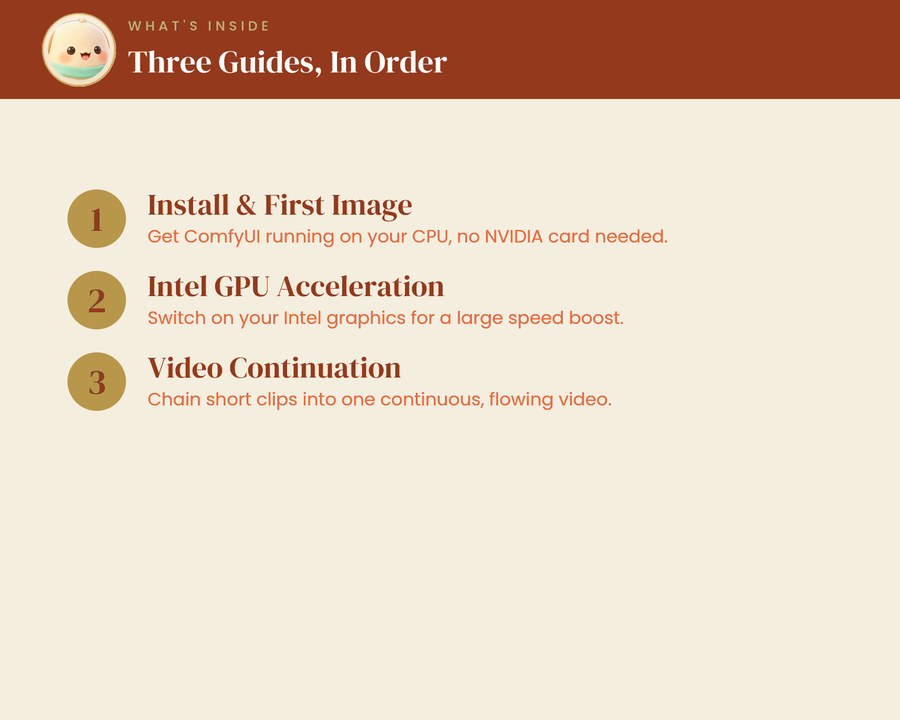
All three Omni Frame Works ComfyUI guides in one download: about 38 illustrated pages that take an ordinary Intel laptop from nothing installed to a finished, continuous AI video. Written for everyday users, with no coding needed anywhere in them.
Part 1 installs ComfyUI and makes your first image on the processor, with no NVIDIA card required. Part 2 switches on Intel GPU acceleration for a large speed increase. Part 3 chains short clips into one continuous, flowing video. Follow them in order, because each part builds on the one before it.
Bought one at a time the three guides come to USD 29.97. The bundle is USD 14.99, a saving of almost half.
Everything runs on your own laptop using free tools. There is nothing to renew, no monthly fee, and the guides stay yours. You will need an Intel Arc or Intel Core Ultra laptop with integrated, non-NVIDIA graphics, running Windows 11.
Omni Frame Works is independent and is not affiliated with, endorsed by or connected to ComfyUI, Pinokio or Intel. Product names are used only to describe what the guide covers.