 Omni Frame Works
Short AI clips are easy to make and hard to join. The person changes, the room changes, the light changes, and what should be one scene turns into a series of unrelated shots. This 13 page illustrated PDF teaches image to video continuation: feeding the last frame of one clip into the next, so the same person, room and lighting carry forward.
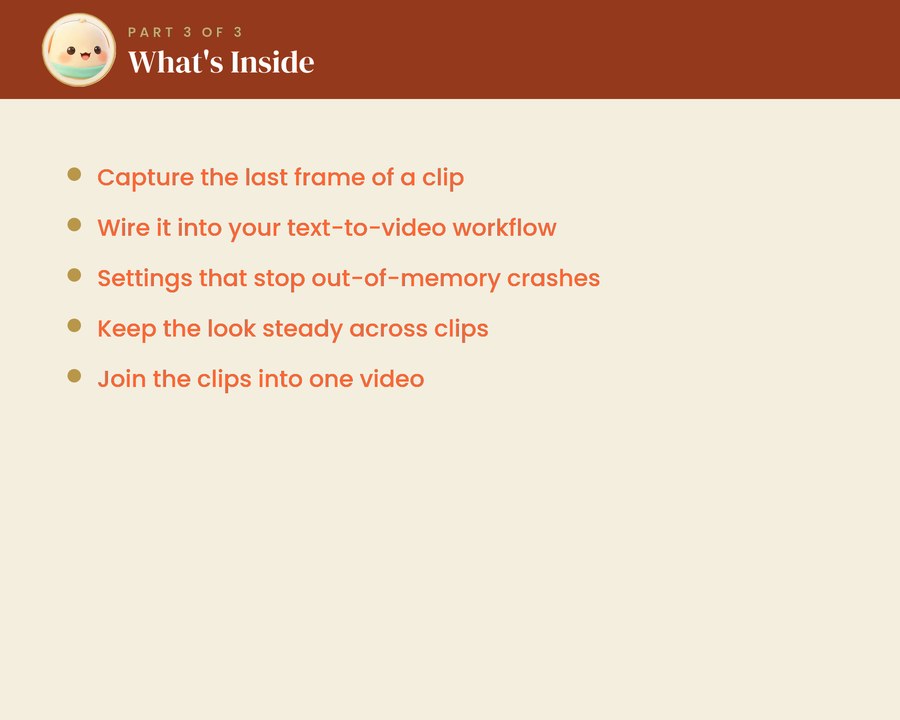
It covers how to capture that last frame, how to wire it into a text to video workflow, and the exact settings that keep a longer video from drifting as well as the ones that stop out of memory crashes on integrated graphics. A quick reference card is included for once you know the flow.
It is also honest about the limits. Some joins still want a cut or a colour match in a video editor afterwards, and the guide says which ones and why rather than pretending the problem is not there.
This is Part 3 of three. You will need ComfyUI running with GPU acceleration and a text to video workflow loaded, which is what Part 1 and Part 2 set up, plus about half an hour. All three are in the Complete Bundle at a saving of more than 25 percent.
Omni Frame Works is independent and is not affiliated with, endorsed by or connected to ComfyUI, Pinokio or Intel. Product names are used only to describe what the guide covers.